ETC Platform: Add-On Functions
RailTab - The digital assistant for train drivers
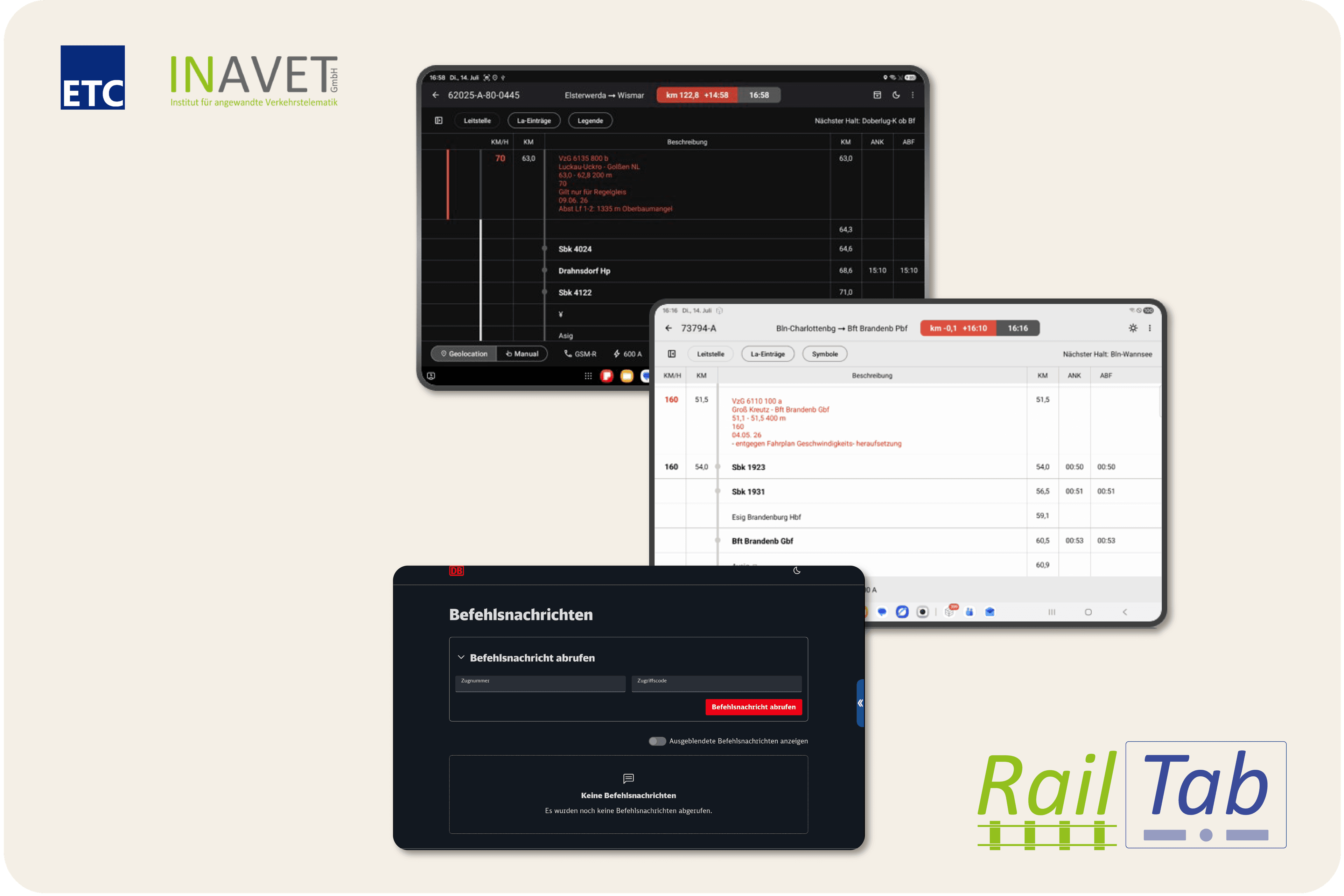
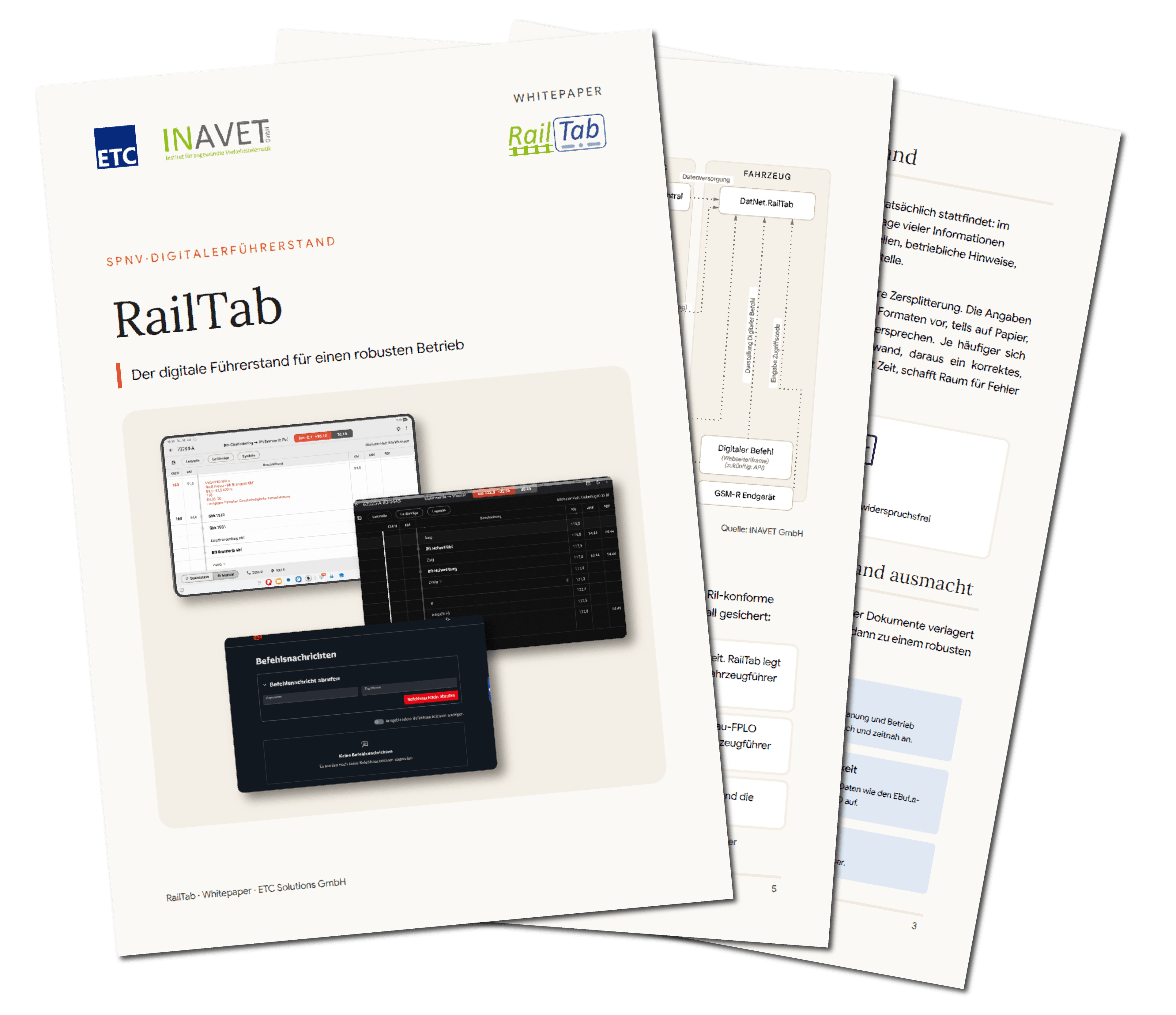
RailTab provides train drivers with all travel-related information digitally and up-to-date – timetable, slow zones, and the digital command in a clear, always updated view. Based on the EBuLa data of DB InfraGO, runnable on commercial tablets and developed together with our partner INAVET.
The Challenge
How does operations remain reliable when construction sites and slow zones become the norm?
Construction sites, slow zones, and short-term changes shape rail operations. The demands for punctuality and quality remain consistently high. The actual problem is not the lack of information, but its fragmentation: it comes from different sources, is partly on paper and in separate systems, and can even contradict itself in detail. This costs time, increases the burden in the driver's cab, and the training effort for driving personnel.
The Solution
All travel-relevant information in one view
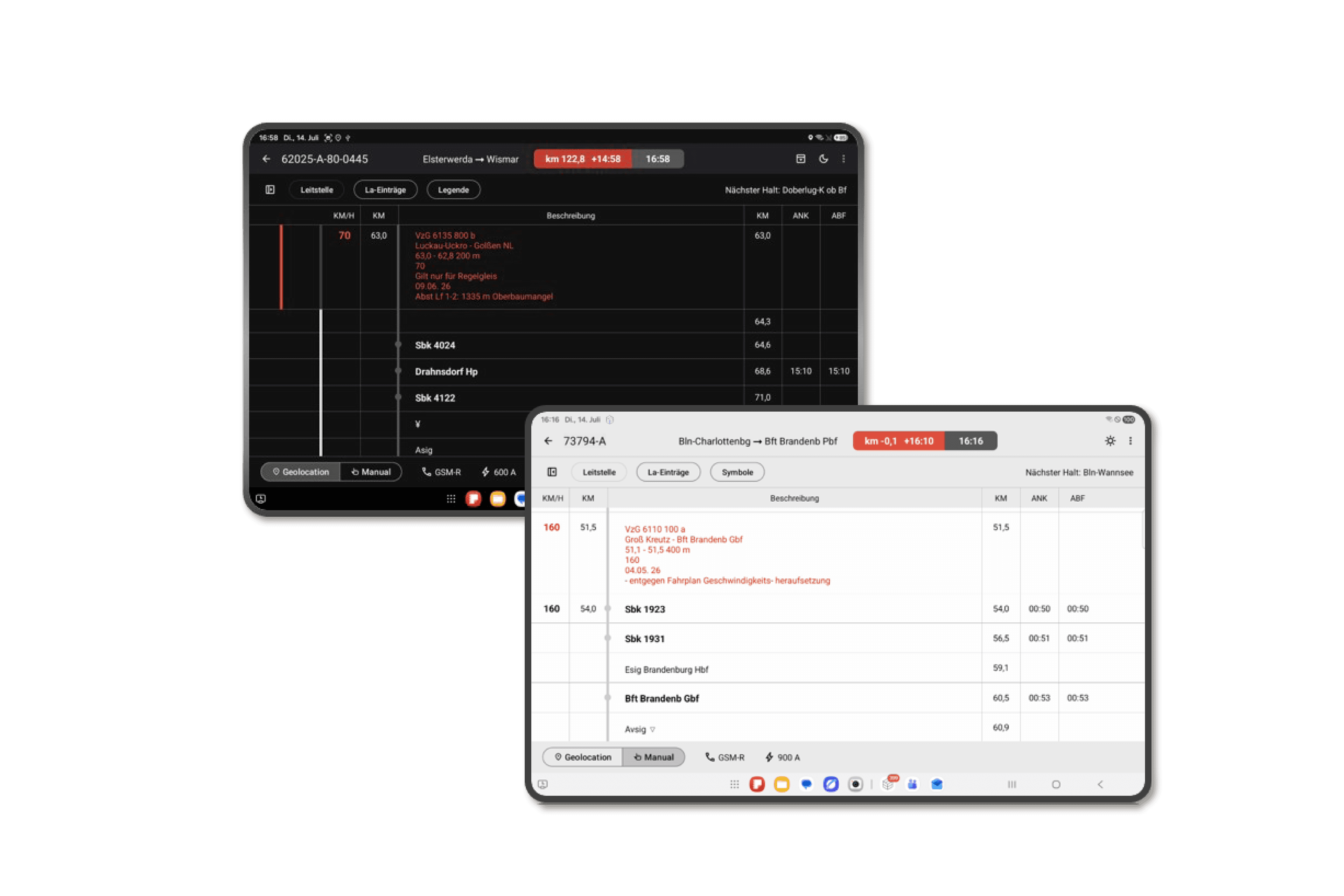
RailTab consolidates the digital timetable and slow zones into a unified display: timetable data in black, slow zones highlighted in red. The interface intentionally follows familiar structures from the timetable and EBuLa and runs automatically based on GNSS data. Changes in planning and operations are promptly available through direct connectivity—paper-based processes are reduced, and information recency increases.
Functionality
How RailTab Works
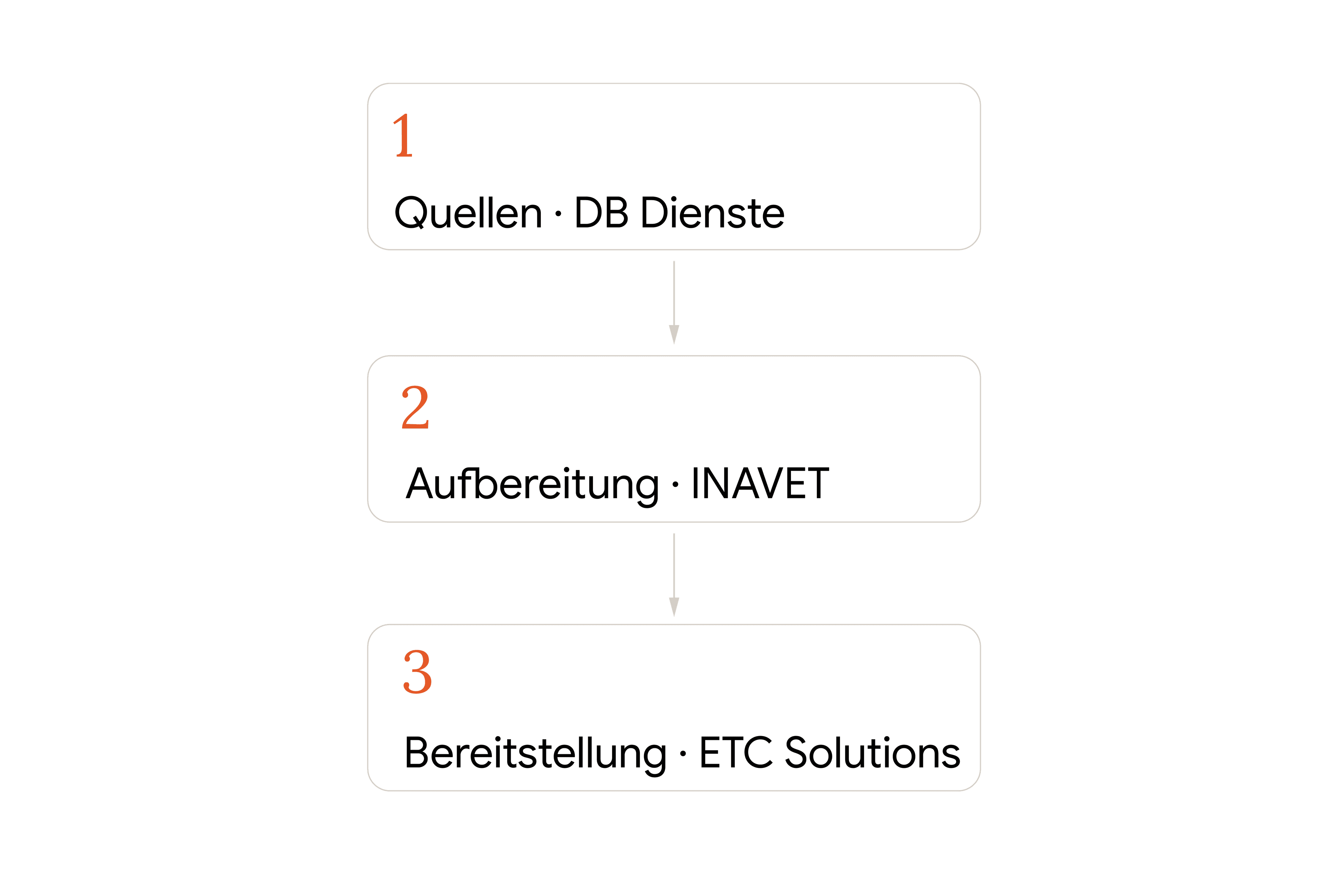
RailTab connects three levels: The sources, timetable, slow zones, and other data from DB InfraGO, which provides this digitally and process-securely. The preparation by our partner INAVET, who aggregates and synchronizes the data based on kilometers. And the provision by ETC Solutions as a consolidated view on the tablet, in real-time, with or without EBuLa onboard device.
Reliability
What happens if a connection fails?
If a connection fails or communication breaks down, tiered, Ril-compliant fallback levels according to DB InfraGO guidelines (including Ril 408, 420, and 497) are used. This ensures that the driver's cab is supplied with travel-relevant information even in the event of disruptions—digitization and operational safety go hand in hand.
Extensions
Modular expandability
RailTab is fundamentally modular. Beyond the basic function, four extensions can be individually added, seamlessly integrated into the same view:

RailTab – The Digital Driver's Cab
Digital Command
Digital command messages as an additional view alongside the timetable, retrievable by train number and access code.
AI Forecast including RI Forecast Machine (RIPA)
Control Center & Infrastructure Data
Personnel, vehicle, and track changes, as well as connection approvals from the DatNet control center, directly embedded in the timetable.
Automatic Passenger Counting (APC)
Document Management (KSV)
Document management with document switch and rule manager KSV, including receipt confirmation and acknowledgment.

Passenger information via WhatsApp
Driver Assistance / Train Run Control
Driver assistance system smarttrains.das (INAVET) and the green functions of the ZLR in the variants DAS-C and DAS-O for anticipatory, energy-optimized driving.
A special advantage: rail mapping and connection and track change data are already available in DatNet and can be directly embedded in the timetable without additional integration.
Introduction
How quickly can RailTab be introduced?
RailTab is a standalone product and does not require adjustments to the existing system landscape. The solution runs on commercial tablets (recommended from 10 inches). The basis is the EBuLa data from DB InfraGO.
Added Value
Your Benefits
Modules, standards, and interfaces that reliably connect operations and planning.

Modules
Schedule management, control center, dispatching, reporting, analysis, controlling
Planning system connections
All known planning systems, e.g., MOBILE.plan, EPON, FBS, IVU.plan, RailOpt, Goal
Supported interfaces in planning
VDV 452, railML, NeTEx, GTFS, SIRI-PT
Real-time interfaces
TAP TSI, UIC 407, SIRI ET/VM/CM/SX, VDV 453+454, VDV 736, etc.
Reporting & Analysis
ETC Q.Daba, connection to Qlik, Tableau, Power BI, data warehouse export, QUMA, IVU.control etc.
Data delivery to purchasers
HAFAS HRDF, VDV 452, DINO along with many other standard formats for task managers and controlling
Security
ISO 27001 in implementation, ISO 9001 certified
Support
24/7 Helpdesk
More Functions of the ETC Platform
For All Stakeholders
Add-On Functions
Expandable functions for specific requirements.

Destan Sokoloff - Sales
Contact
Do you want to know how RailTab can be utilized in your company?
We would be happy to personally present the solution to you and send you the whitepaper upon request.